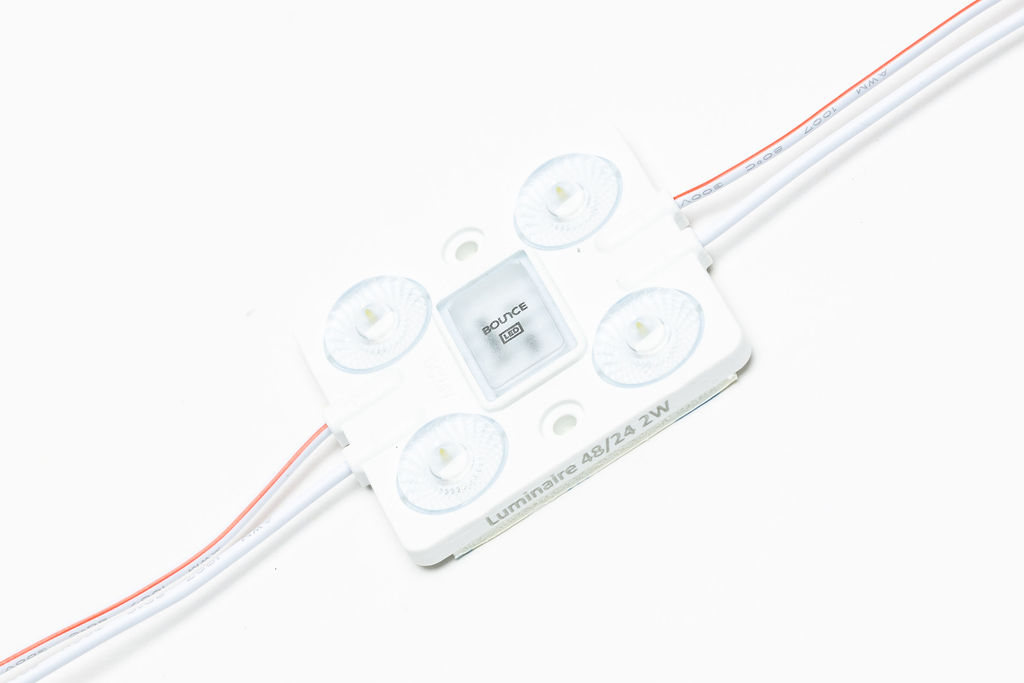
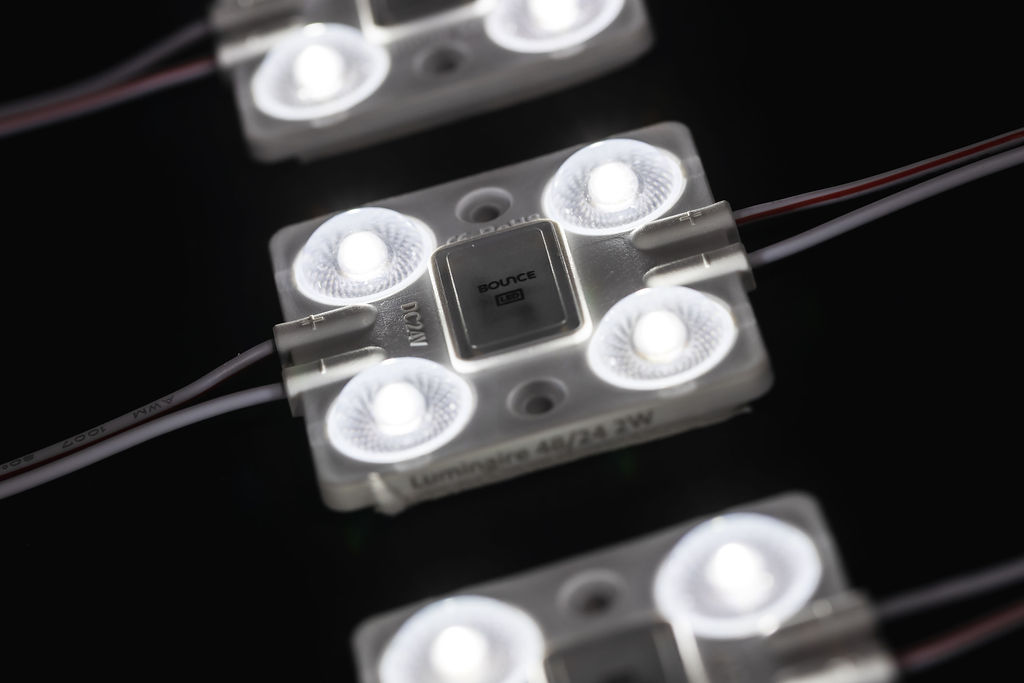
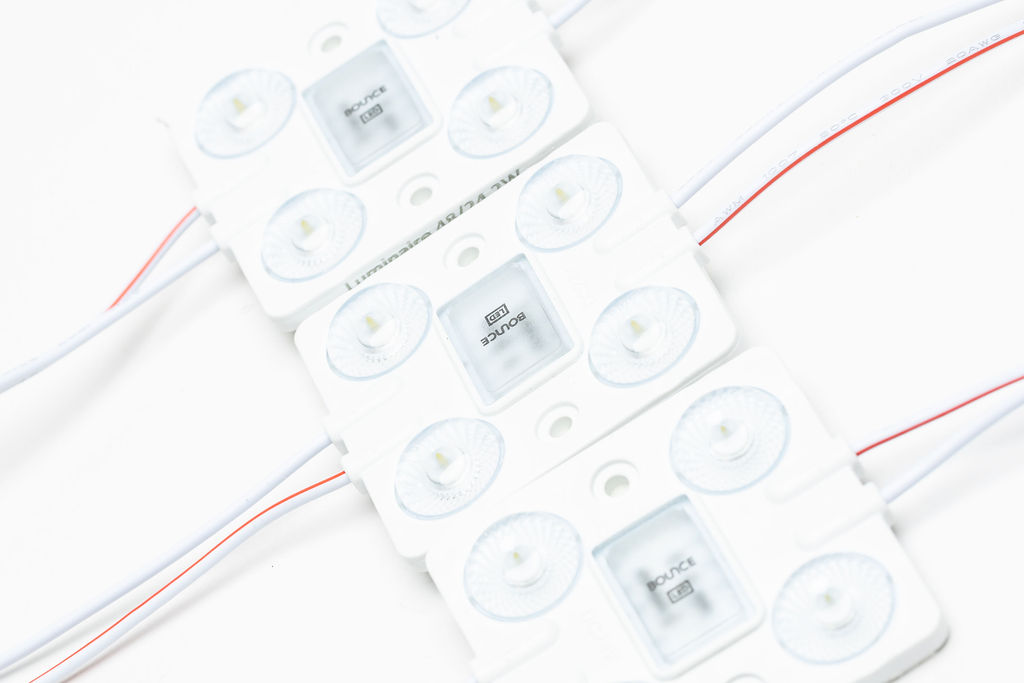
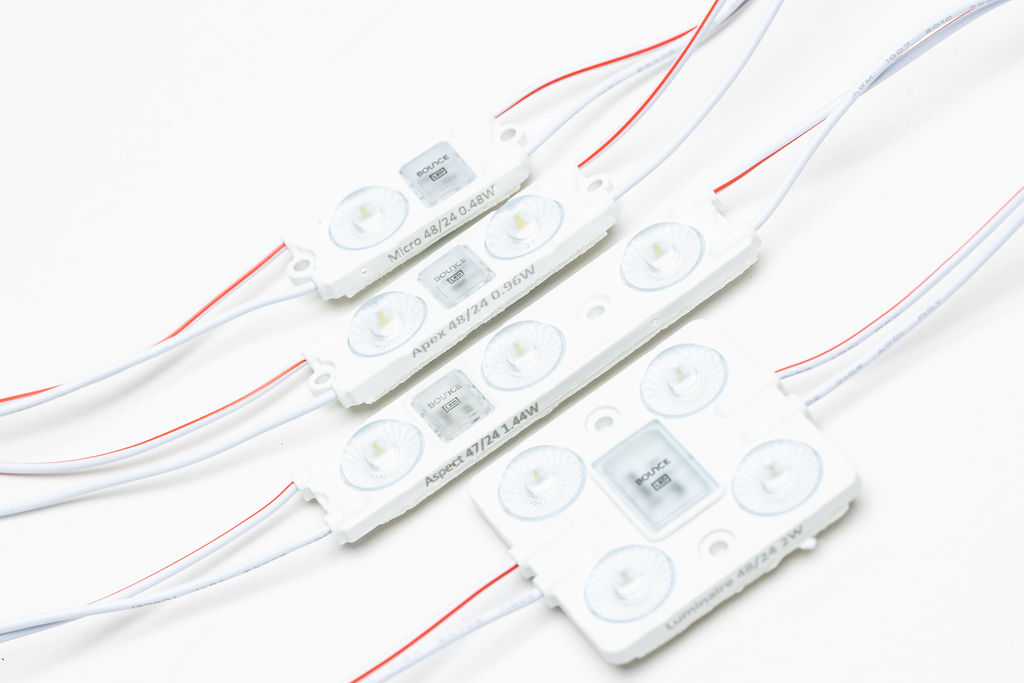
Looking for maximum brightness? Choose Luminaire 24V, our super bright LED module for oversized lighting and sky signs.

Product Specs

  • Power Output

    2.0W (24V)

  • Lumens

    340lm/module

  • Colours Available

    3000K, 6500K

  • Dimensions

    48 x 51 x 7mm

  • Range

    150-300mm

  • Ingress Protection

    IP67

  • Warranty

    8 Years

  • Max Series

    40 Modules Per Series

  • Includes

    40 Modules Per Pack

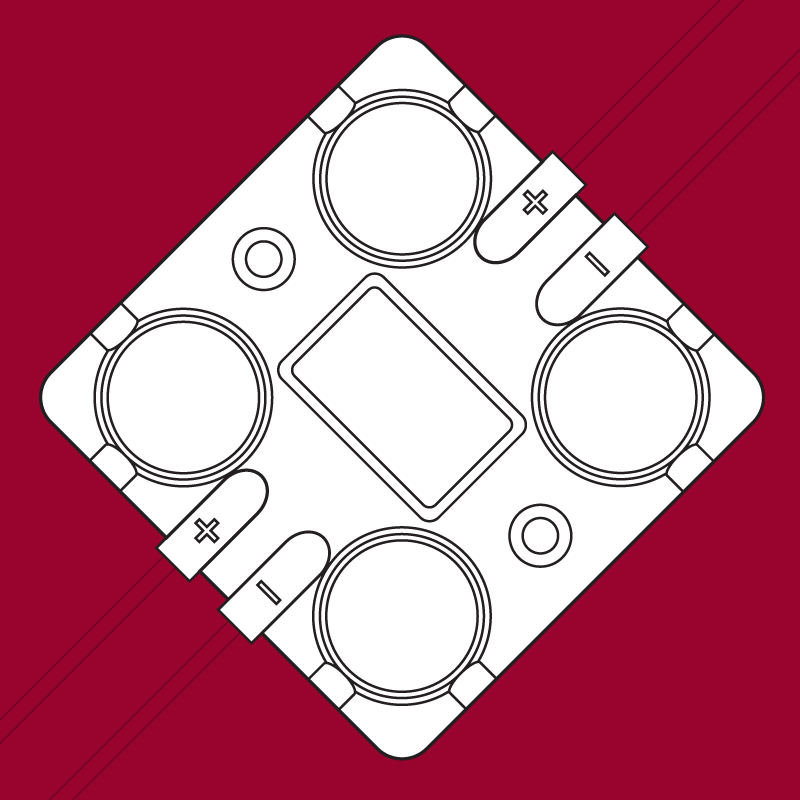
Our most popular signage module range supercharged in 24V! If you need a lot of light, then Luminaire 24V is the module for the job.

This super bright LED module has a remarkable pitch of 300mm, radiating 340 lumens per module. Operating in the 150-300mm depth range makes it ideal for oversized channel letters, extra large light boxes and sky signs. With the ability to run an impressive 40 LED modules per series with constant current technology, Luminaire is an excellent indoor and outdoor LED lighting module, with the latest 180º “Batwing” optic design. Our Luminaire LED module is available in 3000K (warm white) and 6500K (cool white) colour variants, both with an impressive 8 year warranty.
Find all the latest product specifications and guides below:

Colour

3000K, 6500K

IP Rating

Product Type

LED Module

Power Output

1.44W

Features

Dimmable, backlit, outdoor use, channel letters, lightboxes, cabinet lighting

Installation guide

1
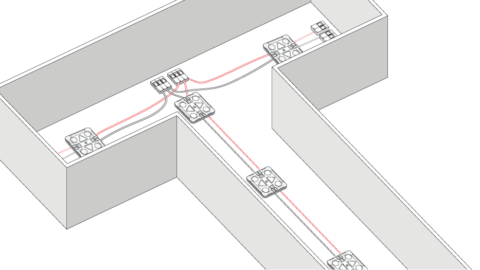
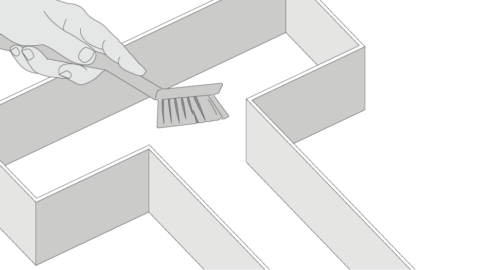
Ensure the inside of your channel letter or sign box is clean and free of debris.
2
Using supplied LED layout, remove tape from the rear side and stick LED modules in place.
3
Working in low voltage WAGO connectors can be used to quickly wire LEDs in series or parallel. Do not exceed the maximum modules per series as this will result in voltage drop.
4
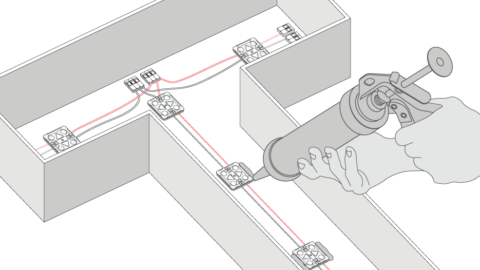
Secure the LEDs by gluing modules in place.
5
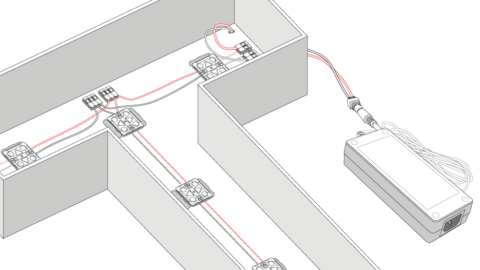
Drill holes out the back of the letters or sign box for connection to DC power supply
6
Wire the LED modules from the sign to the power supply. If there are multiple letters/signs they should be connected in parallel to eliminate voltage drop and ensure consistent brightness.

Warning

Risk of electrical shock. Please read these instructions completely and carefully. Disconnect power before servicing or installing product.

Frequently asked questions

Our Luminaire LED module has been designed for many indoor and outdoor lighting installations, and is excellent in the following applications:

  • Cabinet Lighting
  • Large Light Boxes
  • Sky Signs
  • Channel Letters
  • Commercial Lighting
  • Backlit Lighting
  • Dimmable (with controller)

Follow these steps on how to install the Luminaire LED module.

  1. Ensure the inside of your channel letter or sign box is clean and free of debris.
  2. Using the supplied LED layout, remove tape from the rear side of the LED module and stick into place.
  3. Low voltage WAGO connectors can be used to quickly wire LEDs in series or parallel.
  4. Secure the LEDs by gluing modules in place.
  5. Drill holes out the back of your letter or sign box for connection to DC power supply.
  6. Wire the LED modules from the sign to the power supply. If there are multiple letters/signs they should be connected in parallel to eliminate voltage drop and ensure consistent brightness.
  7. You can install the Luminaire to a maximum of 40 modules per series. Always check the max series to avoid a voltage drop.

We have a range of dimmable drivers and controllers, suitable for use with the Luminaire LED module.

Use our free online estimator tool, Bounce Wizard, to work out exactly how many LED modules you’ll need for your next LED lighting or signage project.

Use Bounce Wizard, our free online estimator tool, to work out how many Luminaire LED modules you’ll need for your next project.